Description
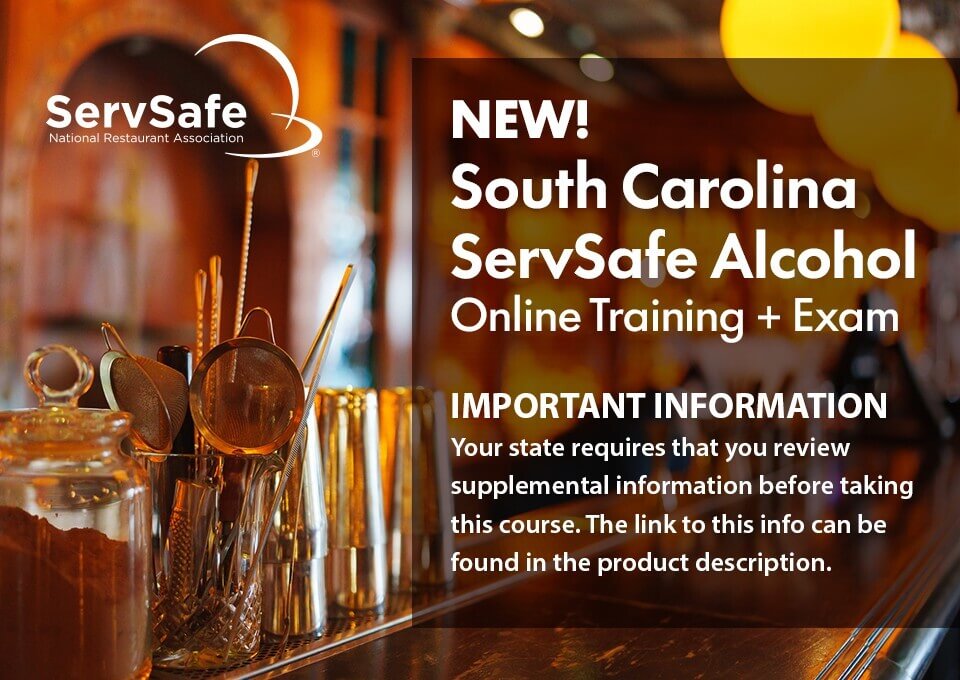
ServSafe Alcohol Online Course & Exam – S. Carolina provides the fundamentals of responsible alcohol service by combining interactive exercises, video, and role-play activities to help prepare participants for real-life scenarios. Designed for convenience, this four-hour course has a bookmark feature that allows users to easily return to where they left off. The online exam includes online proctoring as required by the state.
Please note:
Following the completion of an approved program, learners must visit the South Carolina Department of Revenue website to acquire their state-issued ABL Server License. Please allow one week (seven days) for the license to become available on that site. Click here for more details.
Online proctoring details:
The online proctored exam is recorded and reviewed afterward by an approved proctor. Please review the steps below to learn more.
Steps for taking the exam after completing the course:
Step 1: To take the ServSafe Alcohol South Carolina Exam with an online proctor, you will need to download and use the Guardian Browser from Meazure Learning for the exam.
Step 2: Launch the Guardian browser and log in to your ServSafe.com account.
Step 3: Logging into ServSafe in the Guardian browser will return you to the exam launch screen.
Step 4: If you purchased the exam for yourself and are logged into your ServSafe account, the exam code should pre-populate on this screen. If your course and exam were provided to you by your employer or a trainer, you will need to copy and paste the exam access code they provided you.
All purchases are final. Please read the following before purchasing:
You will have 90 days from the start date to complete the course. The course will expire one year from the date of purchase.
#SouthCarolinaHospitality #SCRestaurants #SouthCarolinaBusiness #SCHospitality #ColumbiaSC #CharlestonSC #GreenvilleSC #MyrtleBeach #ServSafe #ServSafeAlcohol #AlcoholSafety #ResponsibleService #BartenderLife #ServerLife #ProfessionalDevelopment #CareerSkills #RestaurantIndustry #WorkplaceSafety #HospitalityStrong #ABLServerLicense #SCDOR #HospitalityTraining #AlcoholCertification